
Download & Install
This guide will walk you through downloading and installing OpenClaw Ultra.
System Requirements
| Item | Requirement |
|---|---|
| Operating System | Windows 10 or above |
| Memory | 4GB RAM (8GB recommended) |
| Disk Space | At least 500MB free space |
Download
- Visit openclaw.aiondesktop.com
- Click the
Download for Windowsbutton

Installation
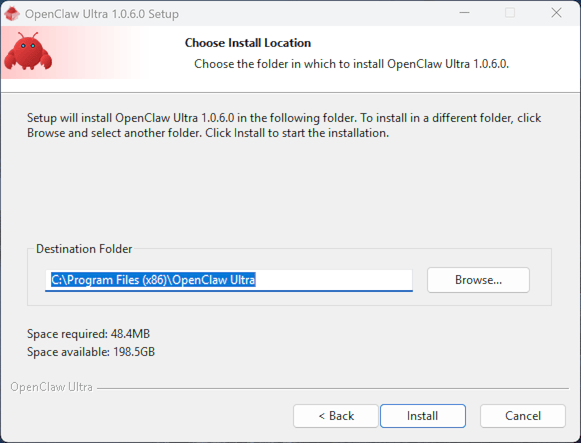
- Run the downloaded
.exeinstaller and clickInstall Now - Follow the installation wizard
- Launch OpenClaw Ultra from the Start Menu
Next Steps
After your installation, proceed to Choose Your Agent Role.