
Register AI API Keys
Subscribed to OpenClaw Ultra?
Your subscription includes a Premium API Package — you can skip this step and start using automations right away. No API key registration needed.
OpenClaw is a tool powered by external AI models. Simply put, AI models act as the "brain" behind OpenClaw.
This guide is for users who prefer to use their own API keys from AI providers. If you have an active subscription, you can skip this entirely — the Premium API Package covers major AI providers.
Select any AI provider below to register your own key.
Supported Providers
| AI Provider | Typical Use Case |
|---|---|
| OpenAI | General, coding, reasoning |
| Google Gemini | Multimodal & search-aware |
| Qwen | Chinese & coding |
| xAI | Real-time, X ecosystem |
| DeepSeek | Open-source friendly |
| MiniMax | Chinese applications |
| Moonshot (Kimi) | Long context & reasoning |
| Anthropic Claude | Safer, structured output |
OpenAI
- Visit https://platform.openai.com and sign in
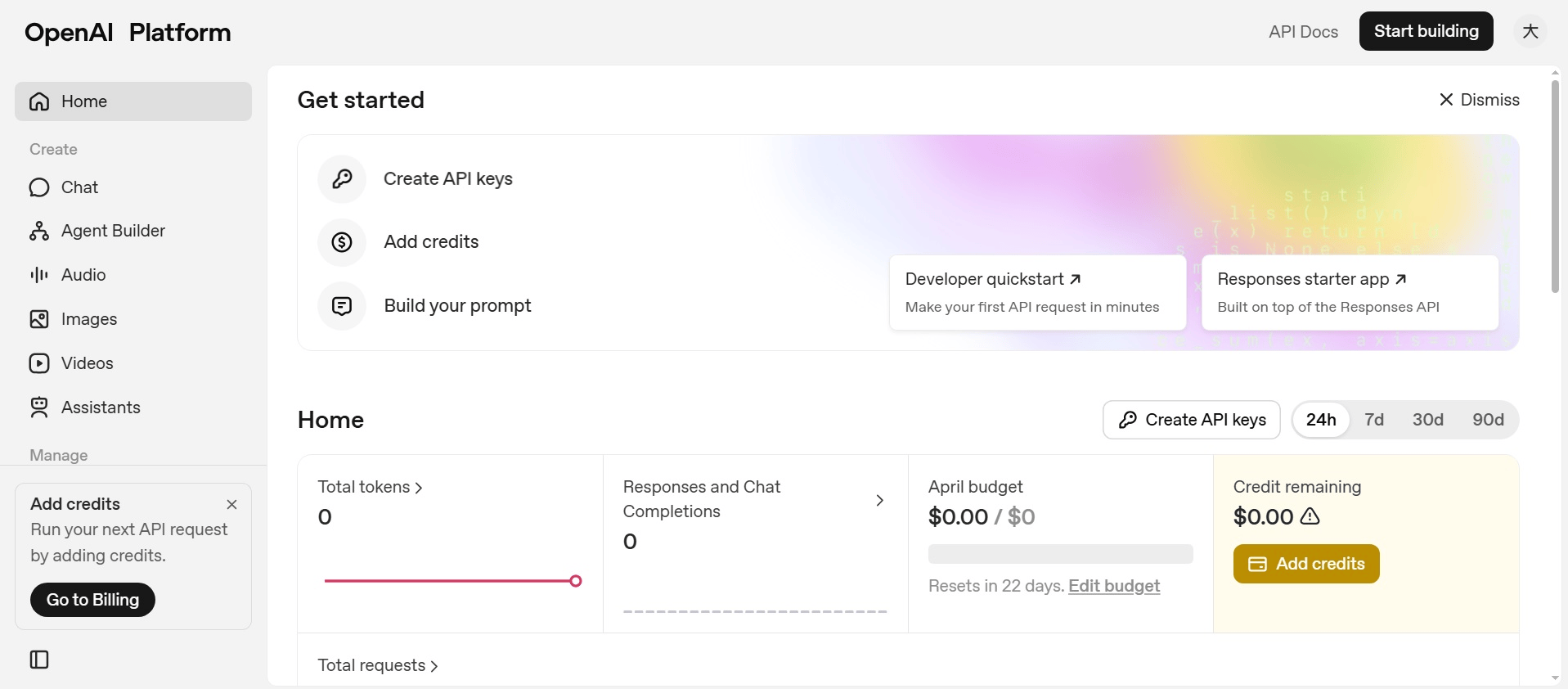
- Open API keys and click Create API key
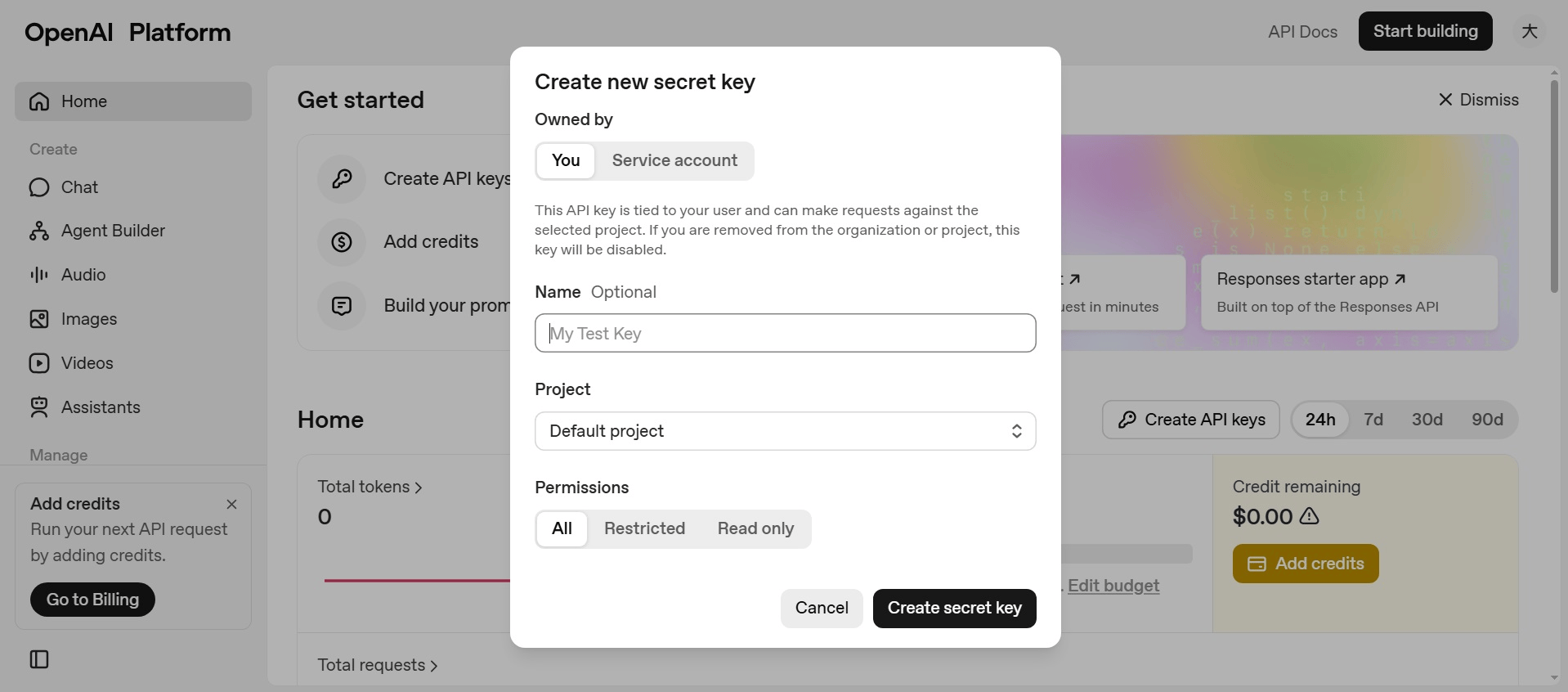
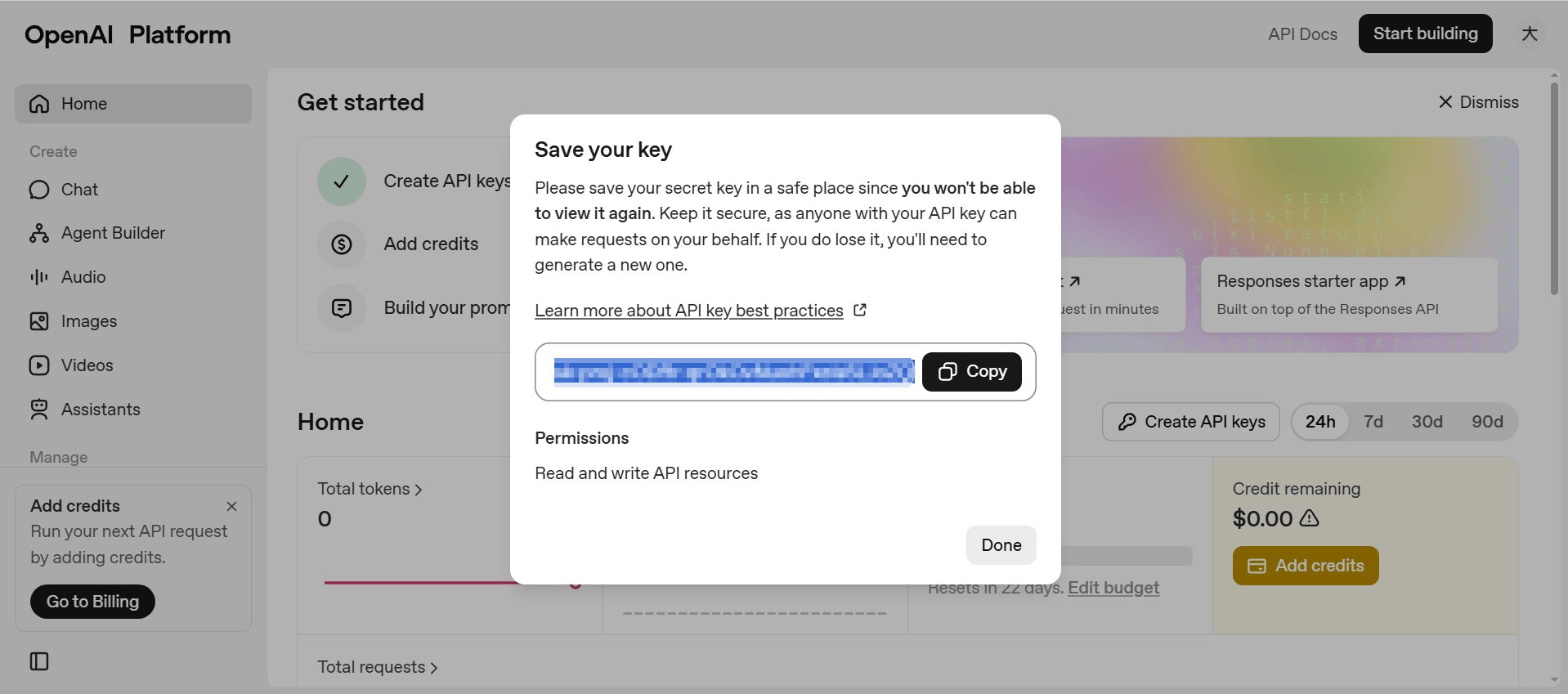
- Copy the key, then paste it into OpenClaw Ultra
Google Gemini
- Visit https://aistudio.google.com and sign in
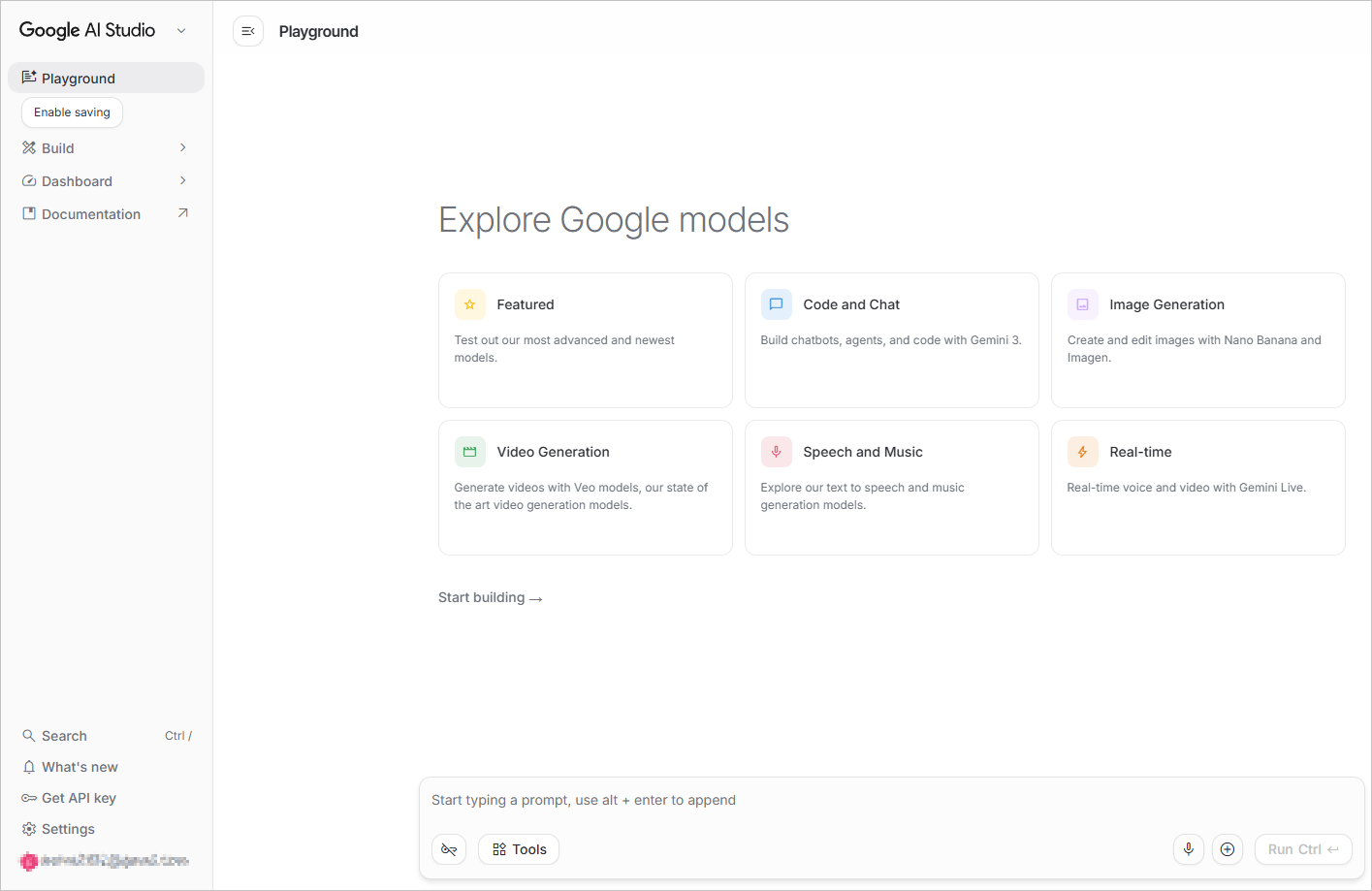
- Click Get API key → Create API key
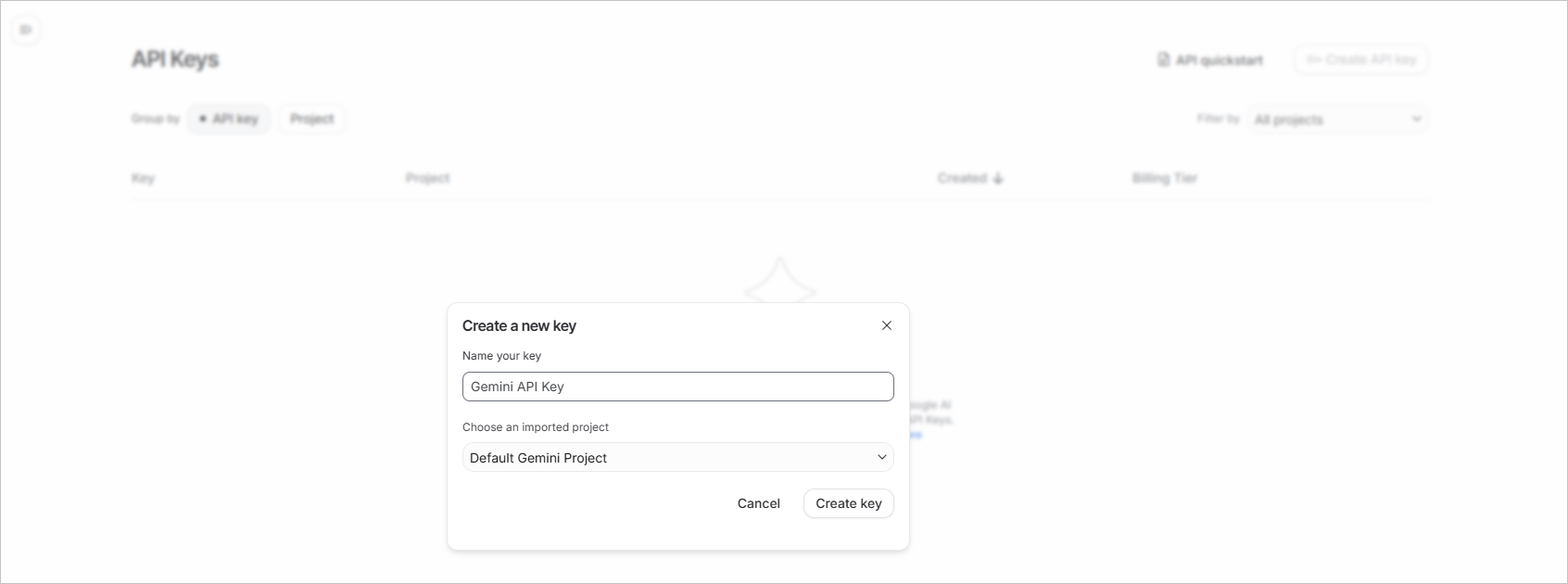
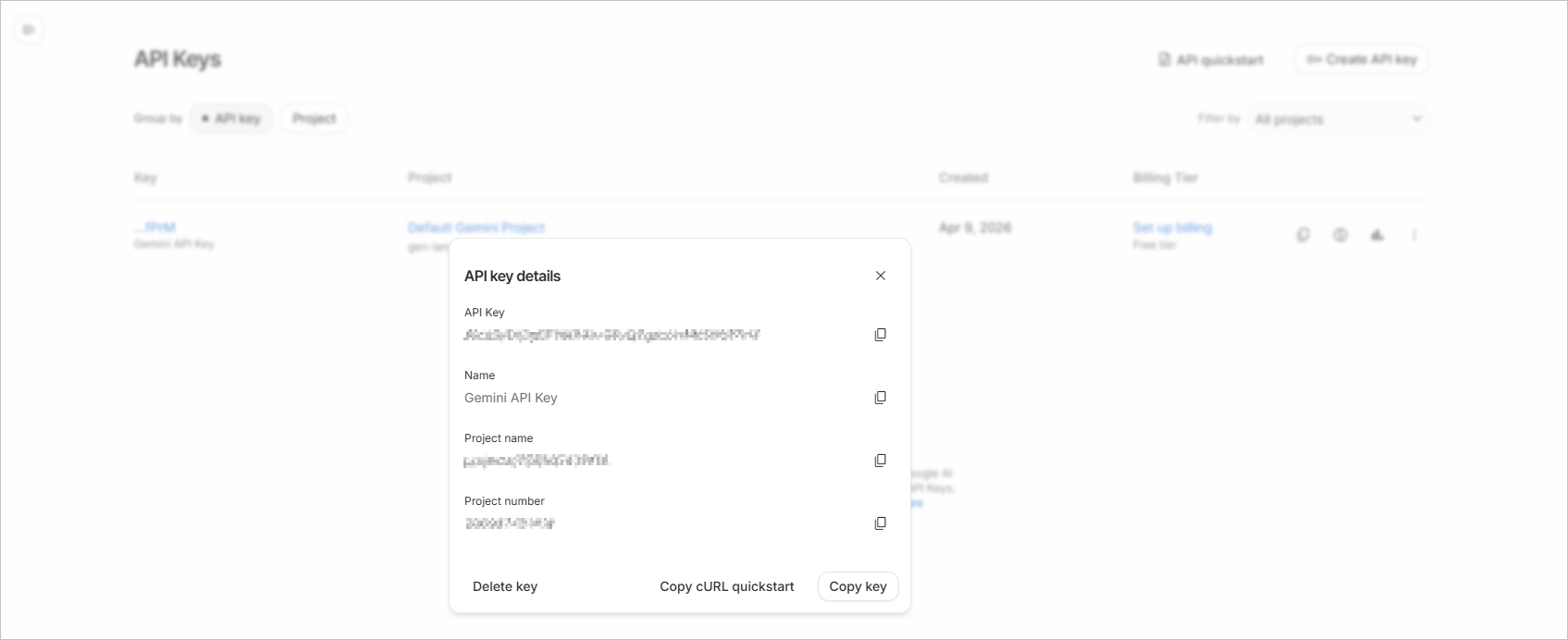
- Copy the key, then paste it into OpenClaw Ultra
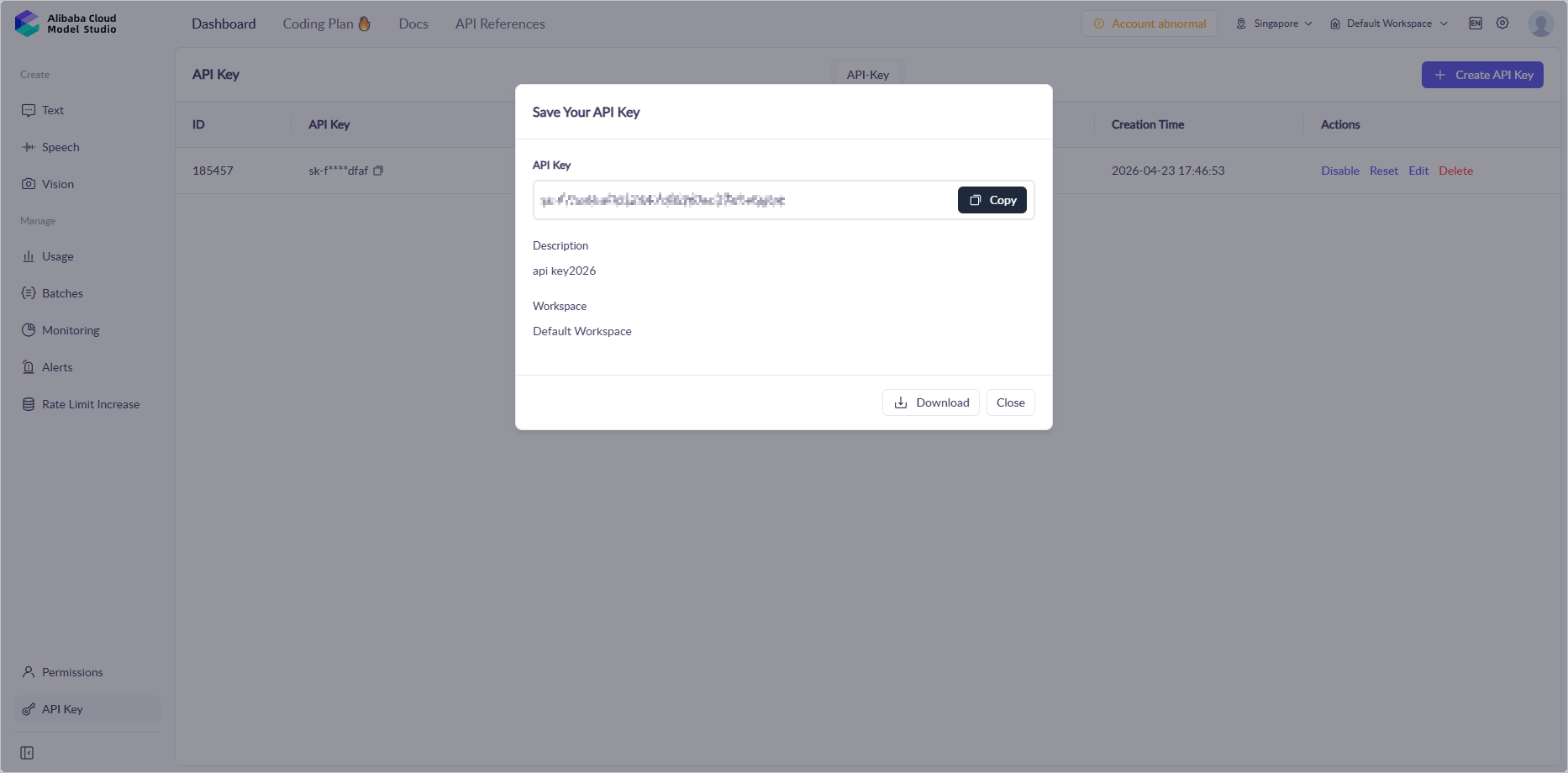
Qwen
- Visit https://account.alibabacloud.com/login/login.htm and sign in
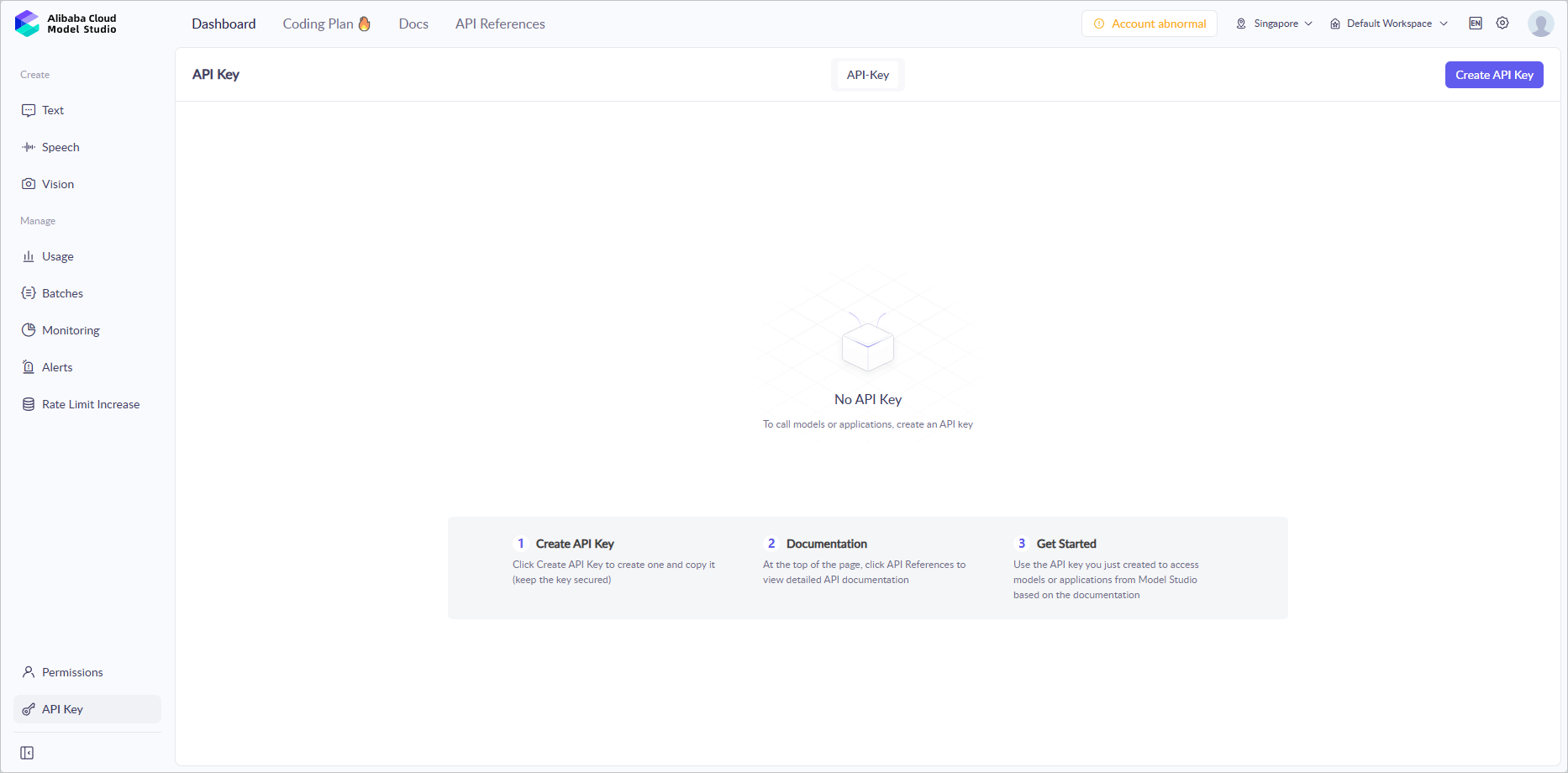
- Create an API key
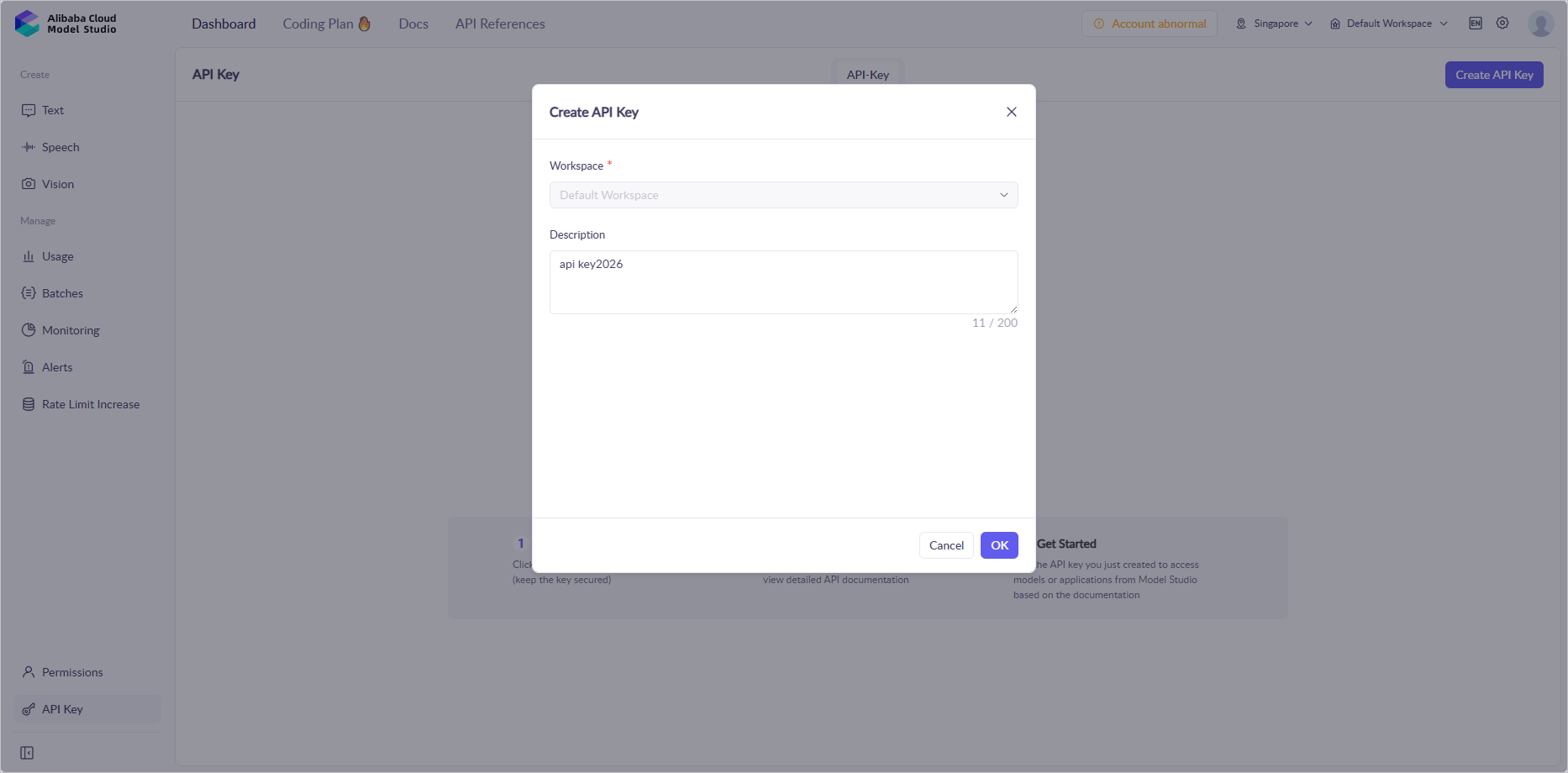
- Paste the key in OpenClaw under Qwen
xAI
- Visit https://console.x.ai/ and sign in
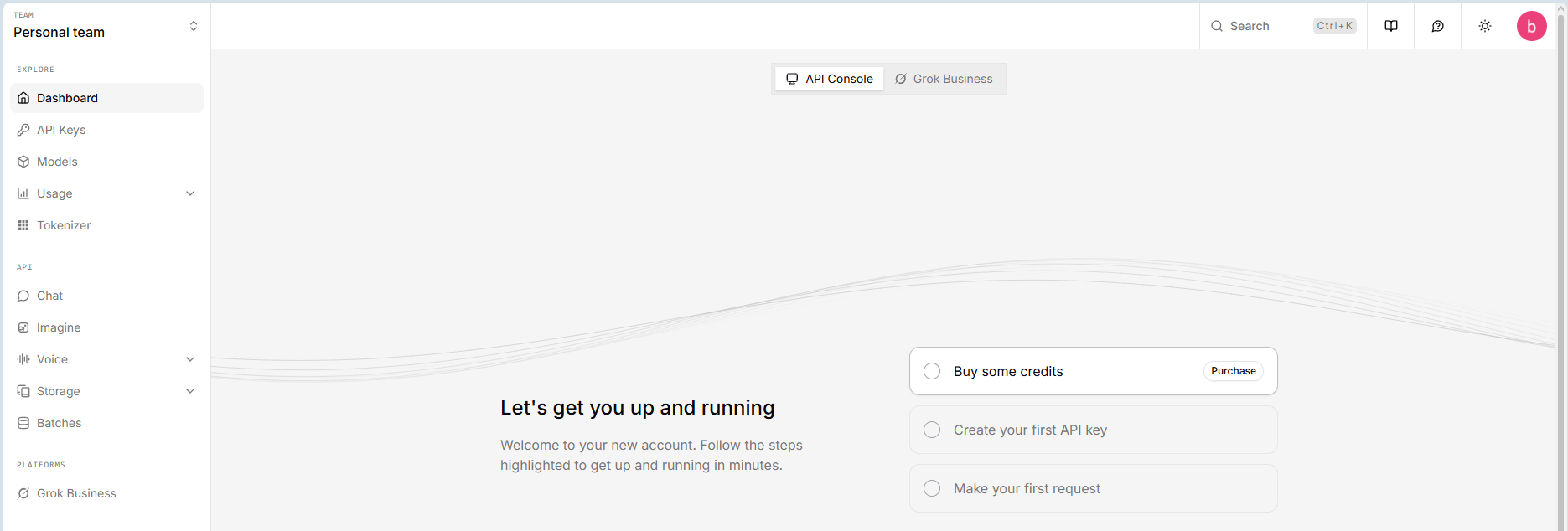
- Open API keys → Create API key
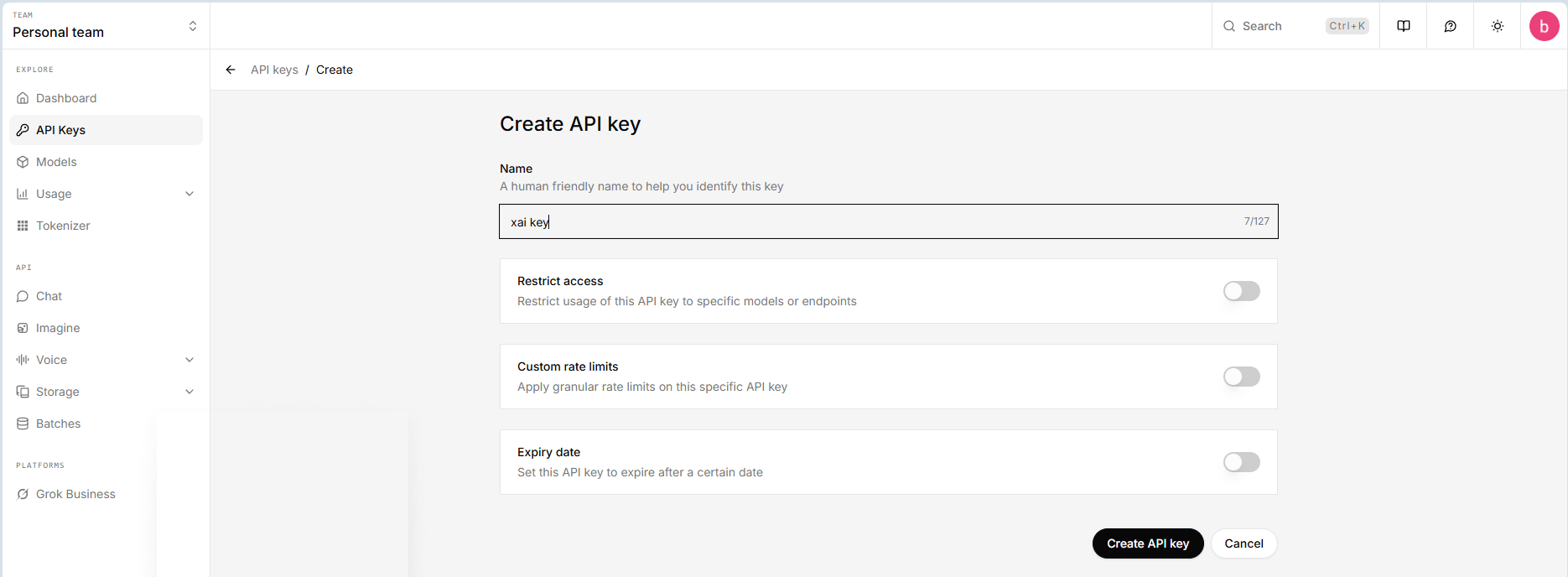
- Copy the key, then paste it into OpenClaw Ultra
DeepSeek
- Visit https://platform.deepSeek.com/ and sign in
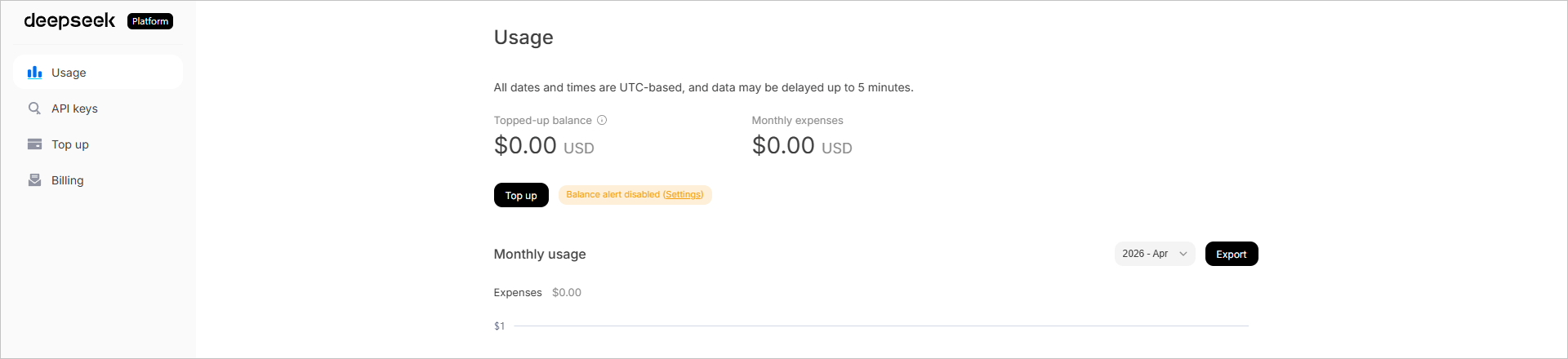
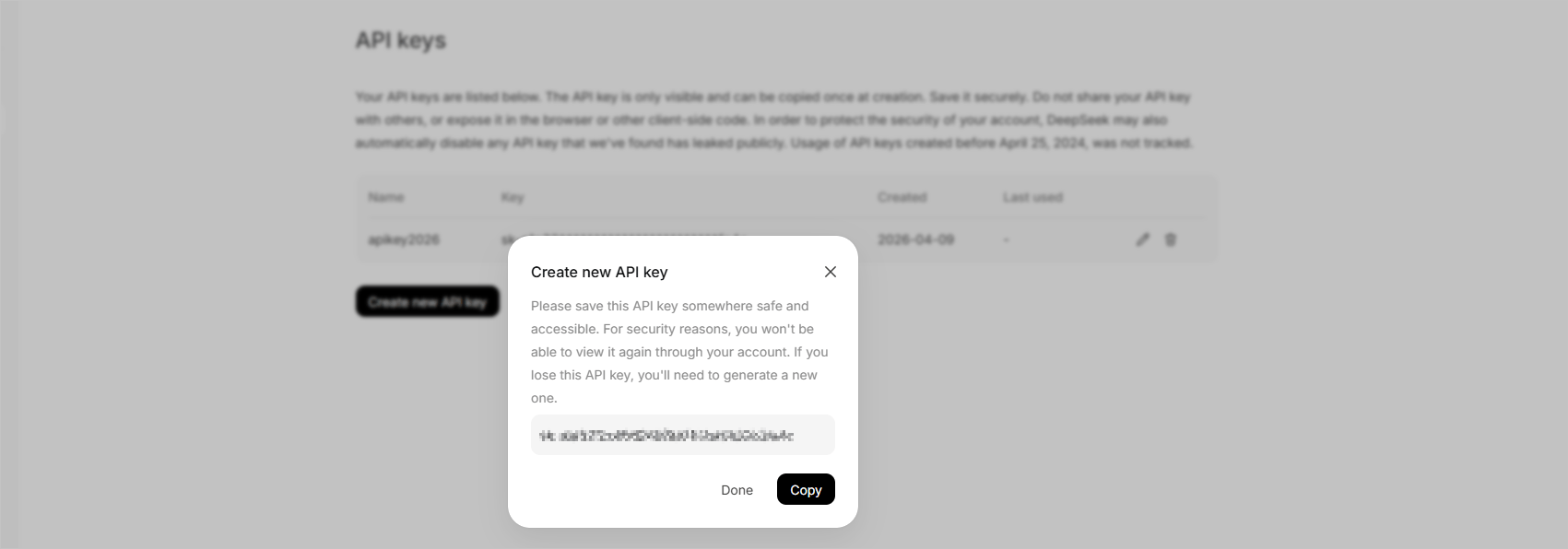
- Open API keys → Create new API key
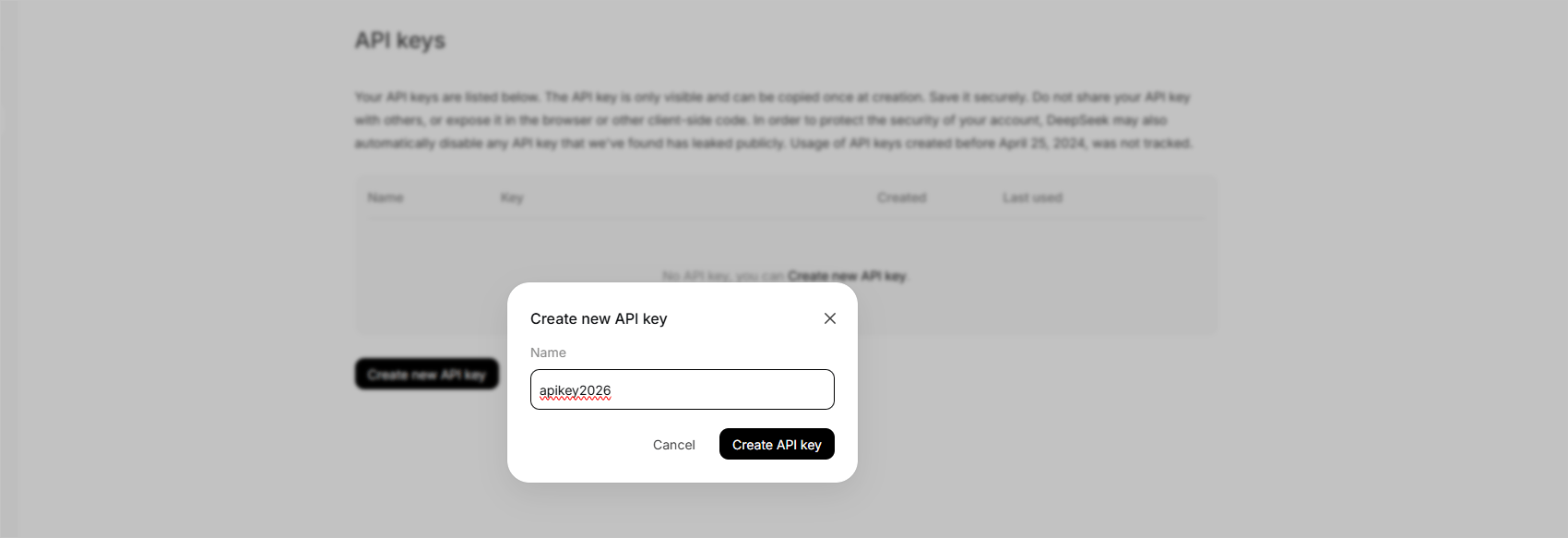
- Copy the key, then paste it into OpenClaw Ultra
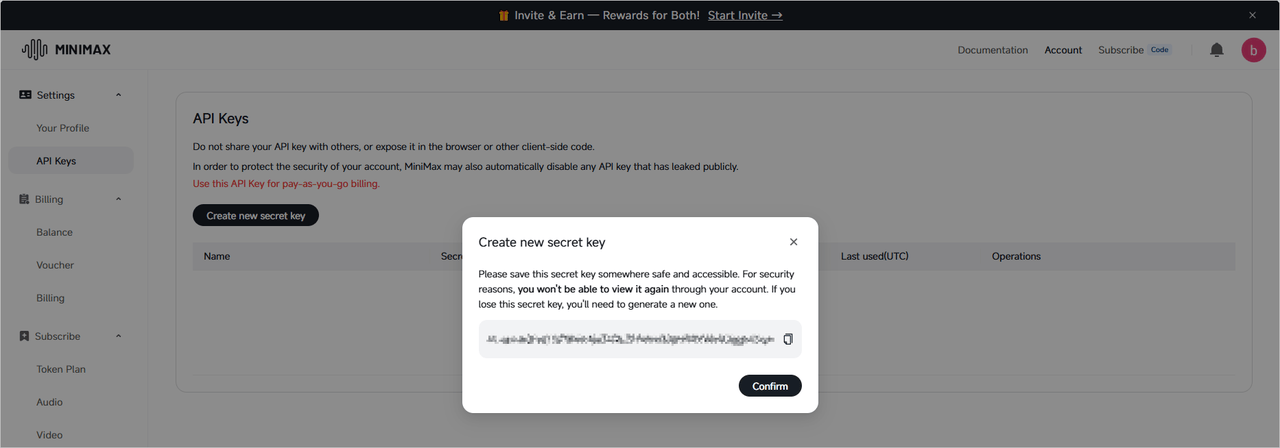
MiniMax
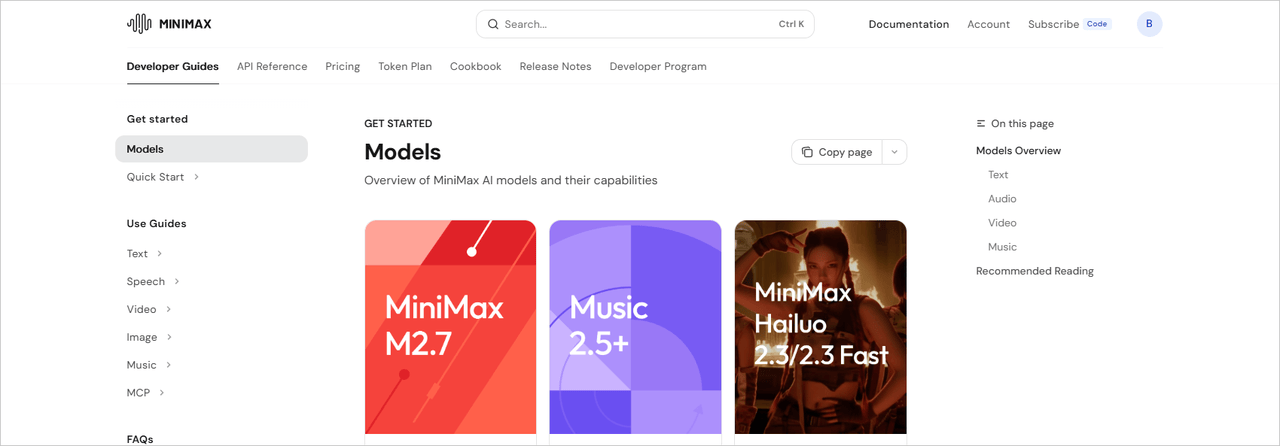
- Visit https://platform.minimax.io/login and sign in
- Open API Keys → Create new secret key
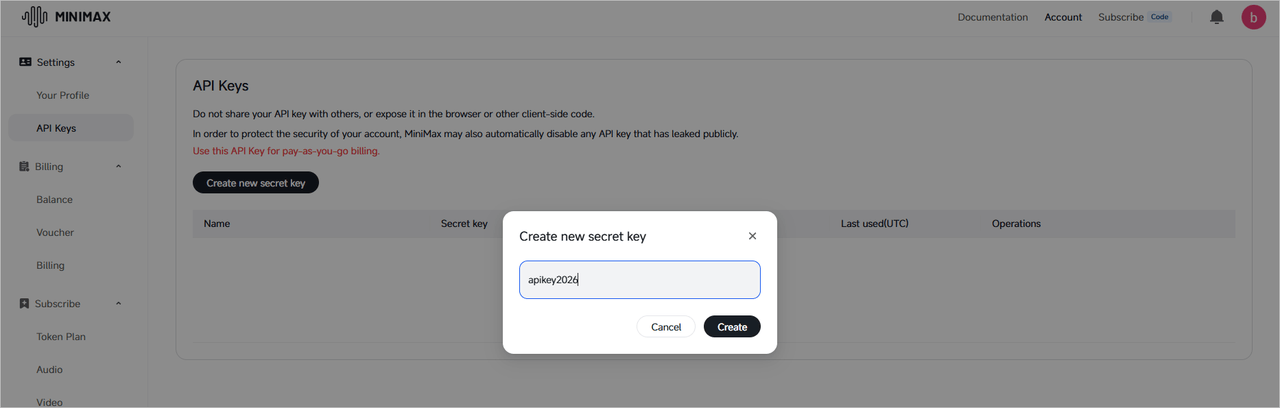
- Copy the key, then paste it into OpenClaw Ultra
Moonshot (Kimi)
- Visit https://login.moonshot.ai/ and sign in
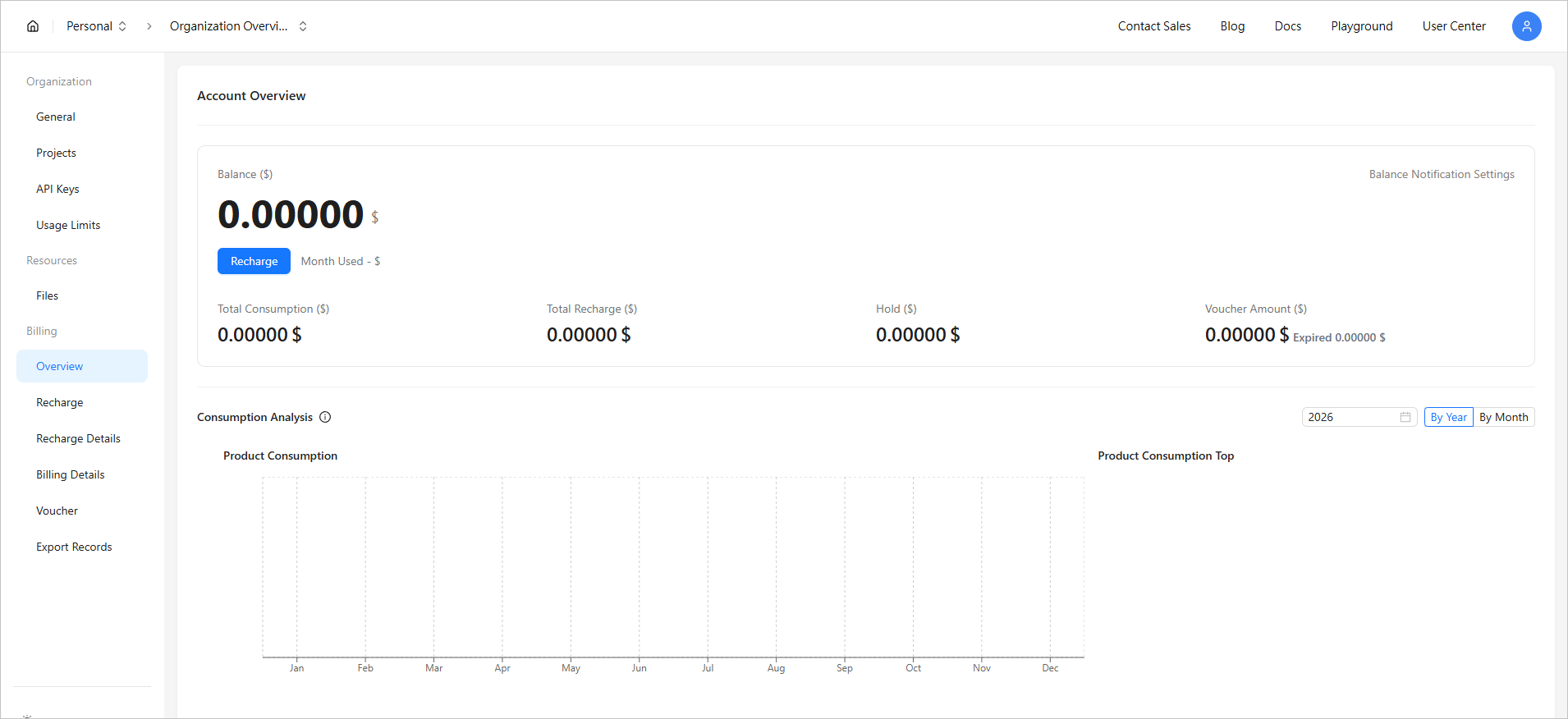
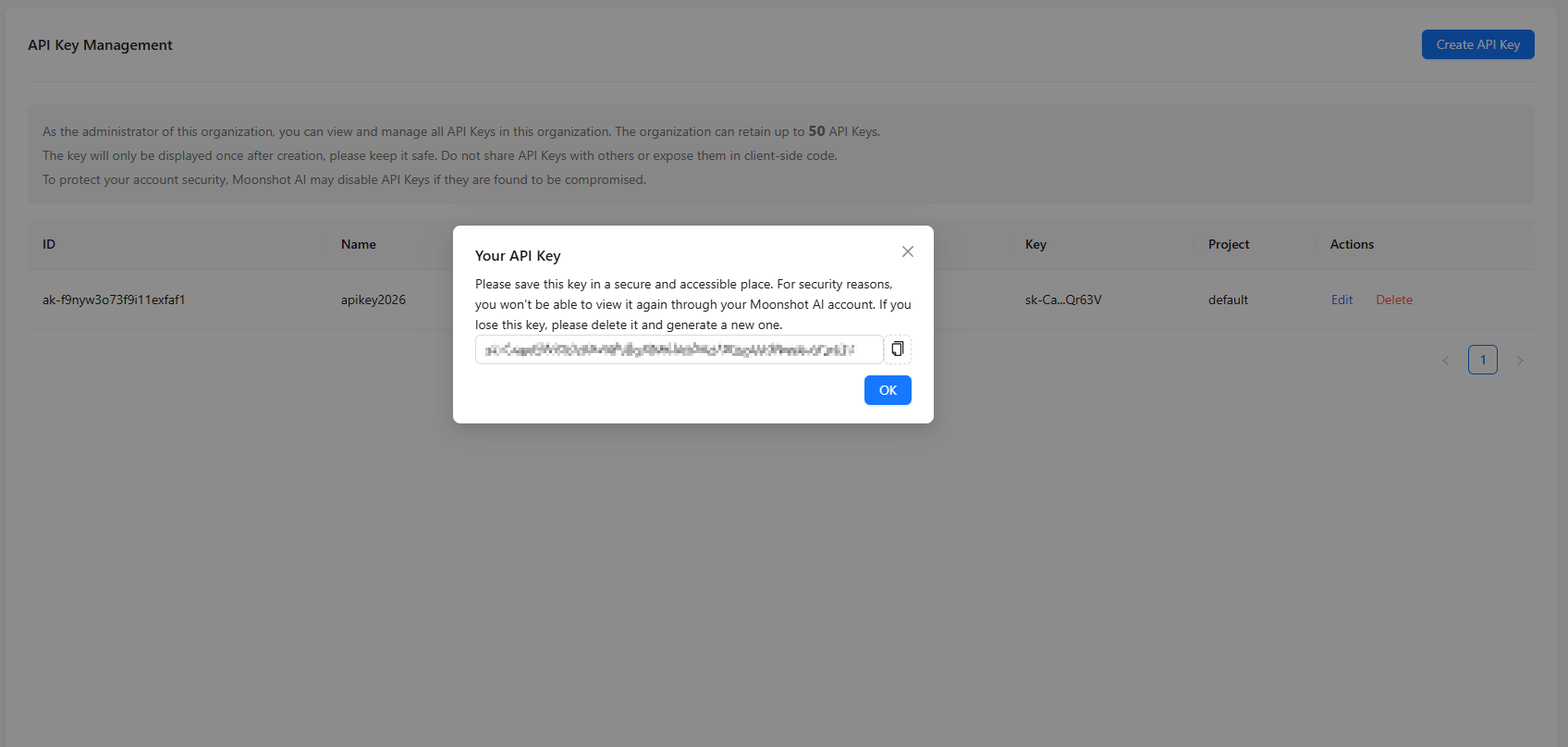
- Create an API key
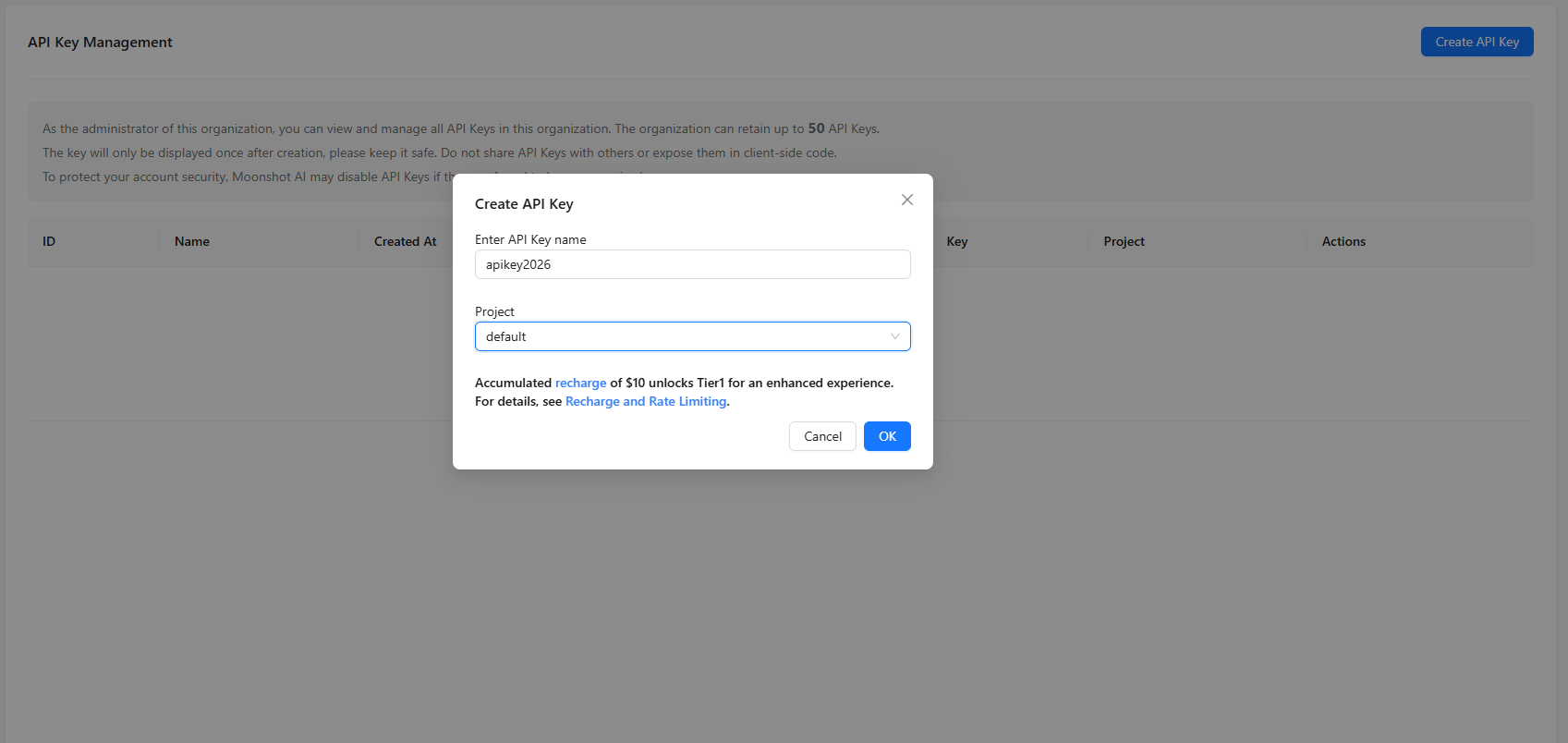
- Paste the key in OpenClaw under Kimi
Anthropic
- Visit https://platform.claude.com/dashboard and sign in
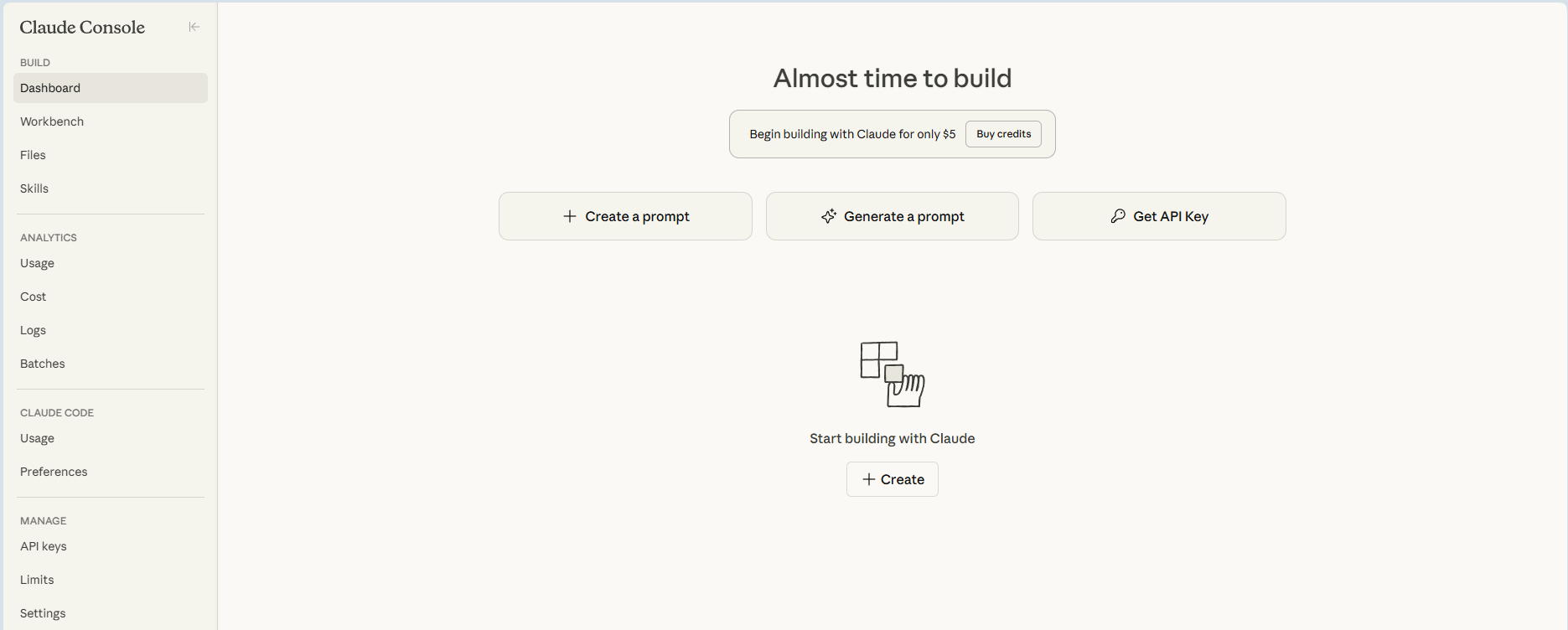
- Open API keys → Create key
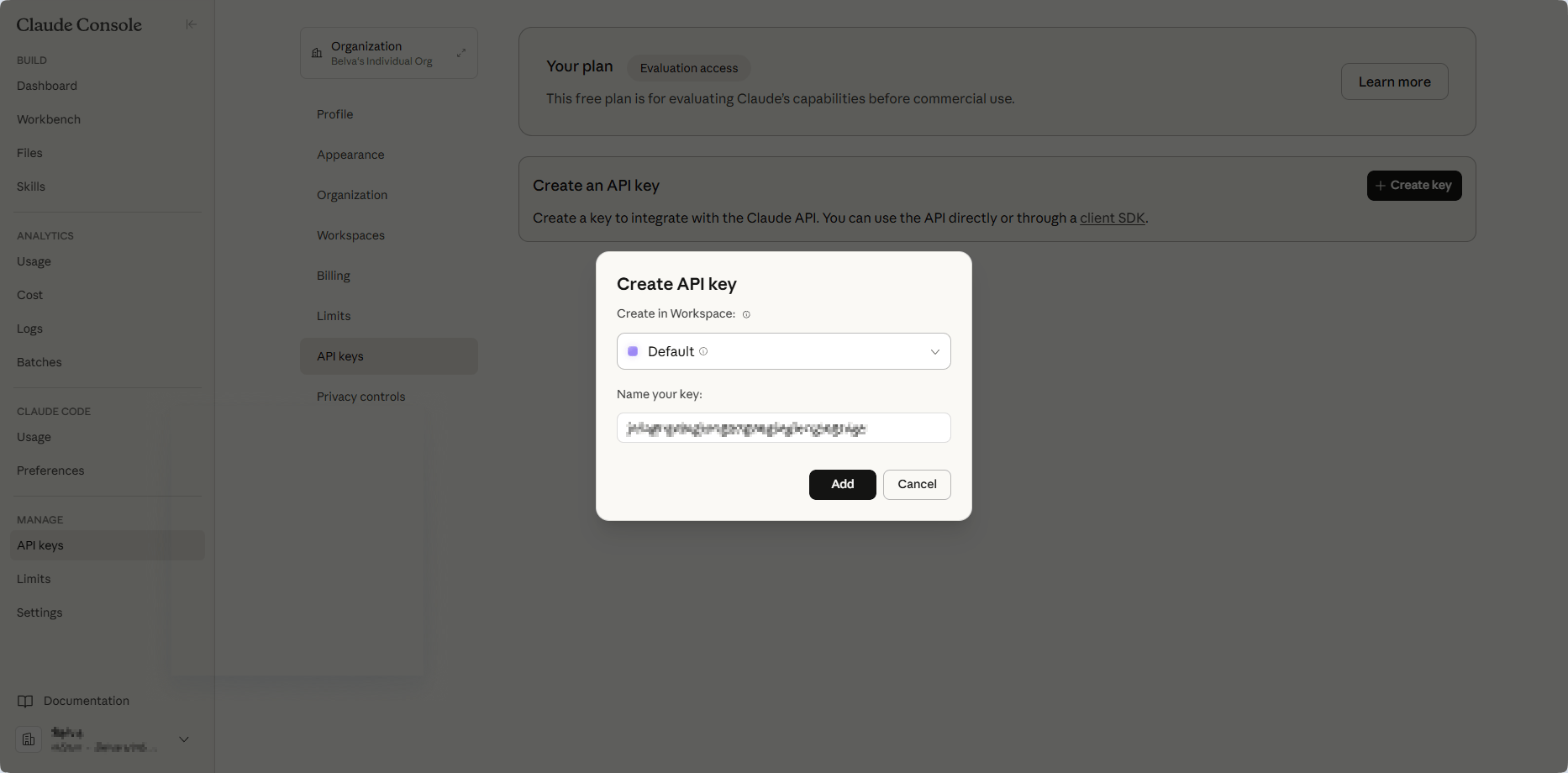
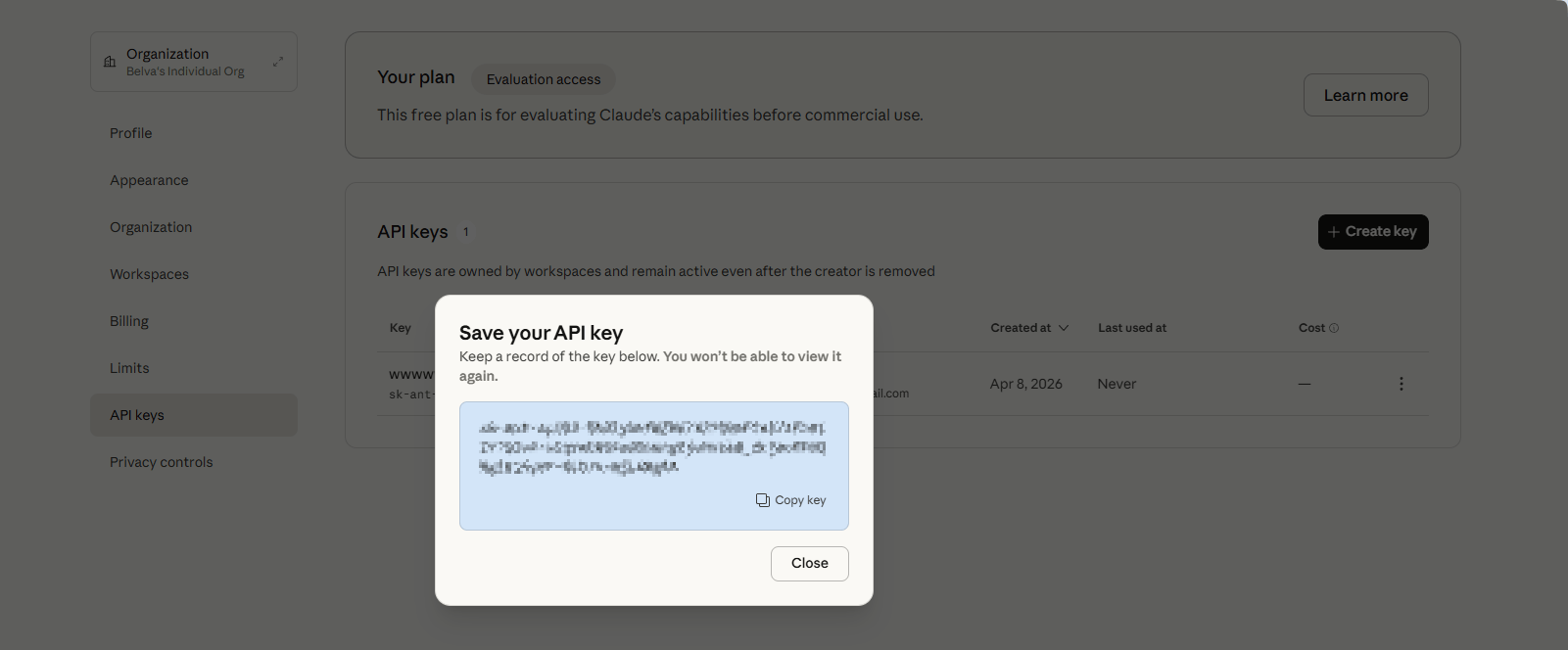
- Copy the key, then paste it into OpenClaw Ultra
Security Tips
WARNING
- Never commit API keys into Git repos
- Rotate keys regularly
- Use different keys for development and production
- Set billing alerts in each provider console
When Do You Need This?
You only need to register your own API keys if:
- Your subscription has expired and you want to continue using OpenClaw Ultra with your own provider accounts
- You prefer to use a specific provider or model not covered by the Premium API Package
- You want full control over API usage, billing, and rate limits
Subscription vs. Own API Keys
| Subscription (Premium API Package) | Own API Keys | |
|---|---|---|
| Setup | None — ready to use | Register keys per provider |
| Billing | Included in subscription | Pay per provider |
| Providers | Major AI providers included | Only the ones you register |
| Best for | Quick start, hassle-free | Full control, specific needs |
Next Steps
Continue with Start Deployment.